
STS Flipbook Free
Your PDF, ready to browse.
Turn a PDF into a catalogue people can browse on your WordPress site. Replace each edition and keep the same shortcode.
FORMA / STUDIOLighting collection
Terra
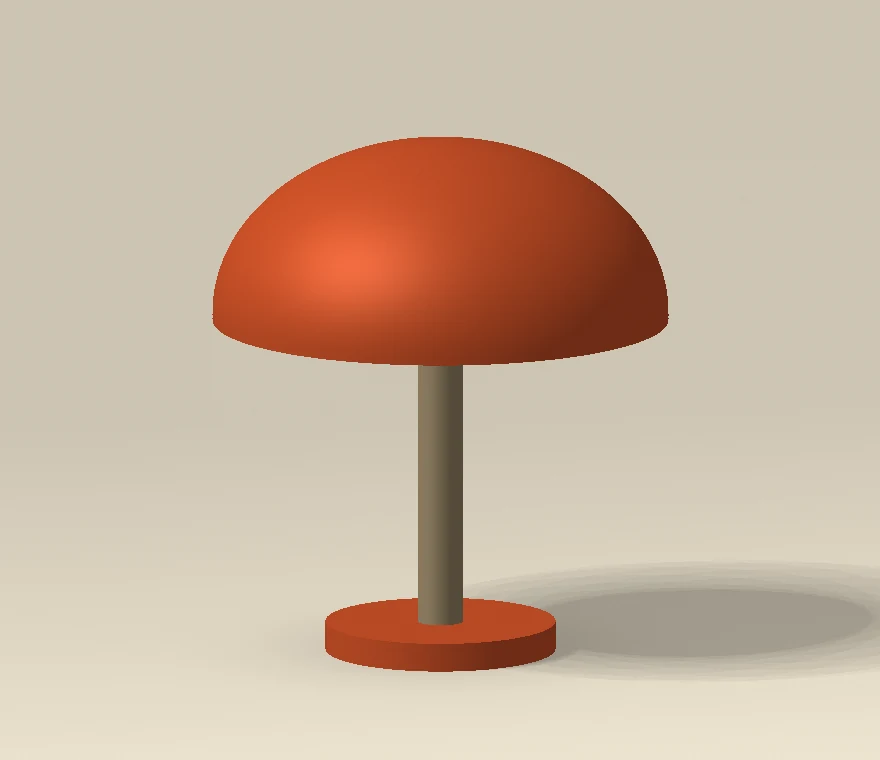
FORMA STUDIOED. 01
Catalogue preview
From PDF to publication.
Choose your PDF
Select a file from the Media Library or paste its direct URL. Set the reader to English or Polish.
Embed your catalogue
Paste [sts_flipbook] into a Shortcode block. The same catalogue can appear on several pages.
Replace the PDF for each new edition
Choose the new file in the settings. Every page with the shortcode uses the updated catalogue.
Before you install
Does the reader work on phones?
Yes. The automatic layout switches to one page on small screens. Visitors can swipe between pages and zoom in.
Can readers search the PDF?
Yes, if the PDF has a text layer. Run OCR on an image-only scan before uploading it.
How do I publish a second catalogue?
Replace your Free PDF at any time. The Pro add-on lets you publish multiple catalogues at once, each with its own shortcode.